CONFIGURE YOUR RETENTION SYSTEM
Sol’O Design
2.0
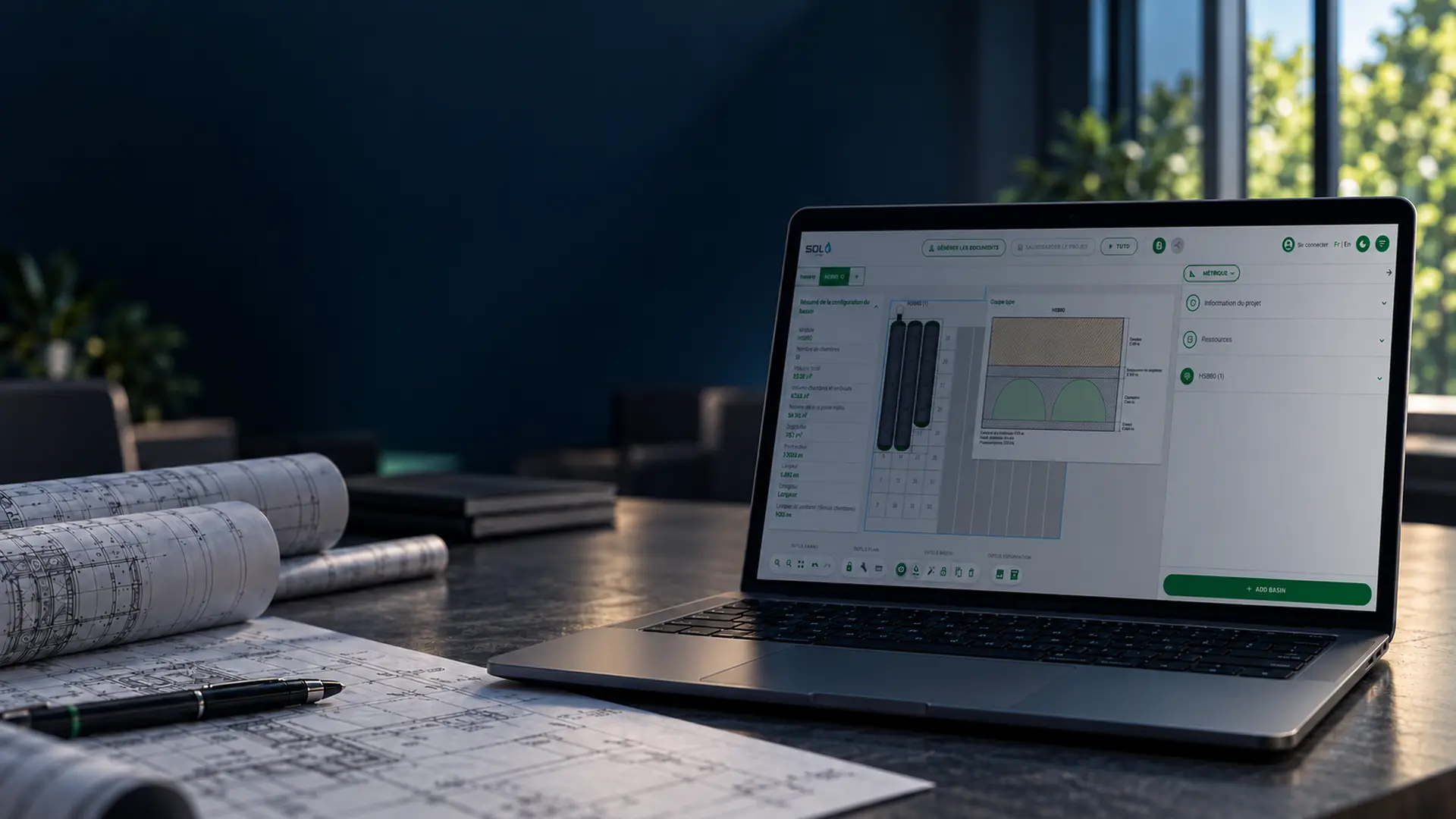
Configure and compare stormwater detention and infiltration systems in just a few clicks with Soleno solutions. Generate a complete set of drawings for your project.




To learn more about the news, read the press release. Saint-Jean-sur-Richelieu, September 26th, […]
More news
Sol’O Design
2.0
Configure and compare stormwater detention and infiltration systems in just a few clicks with Soleno solutions. Generate a complete set of drawings for your project.

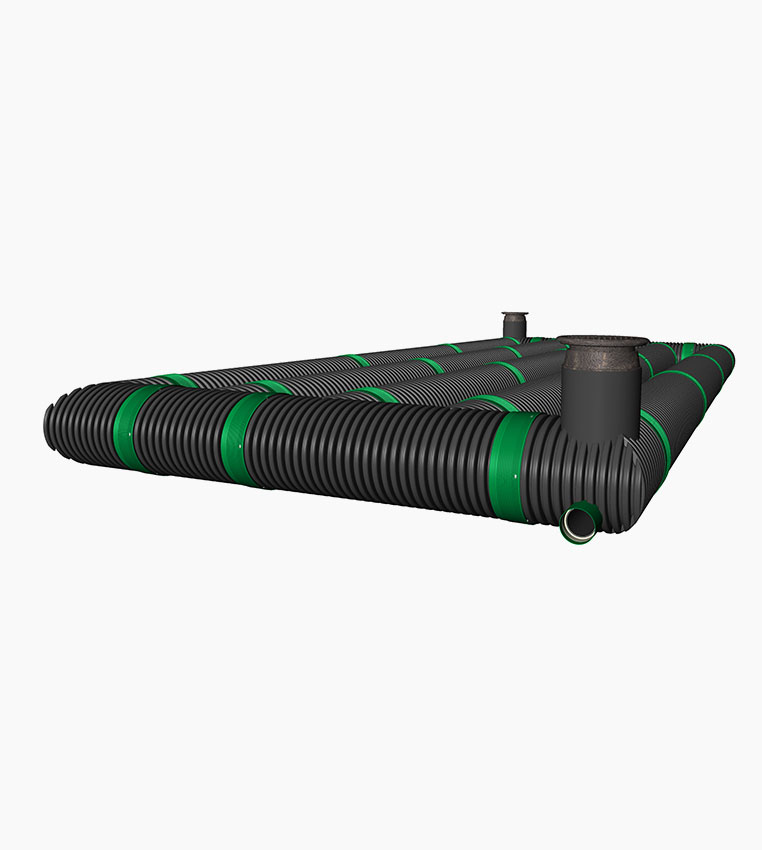
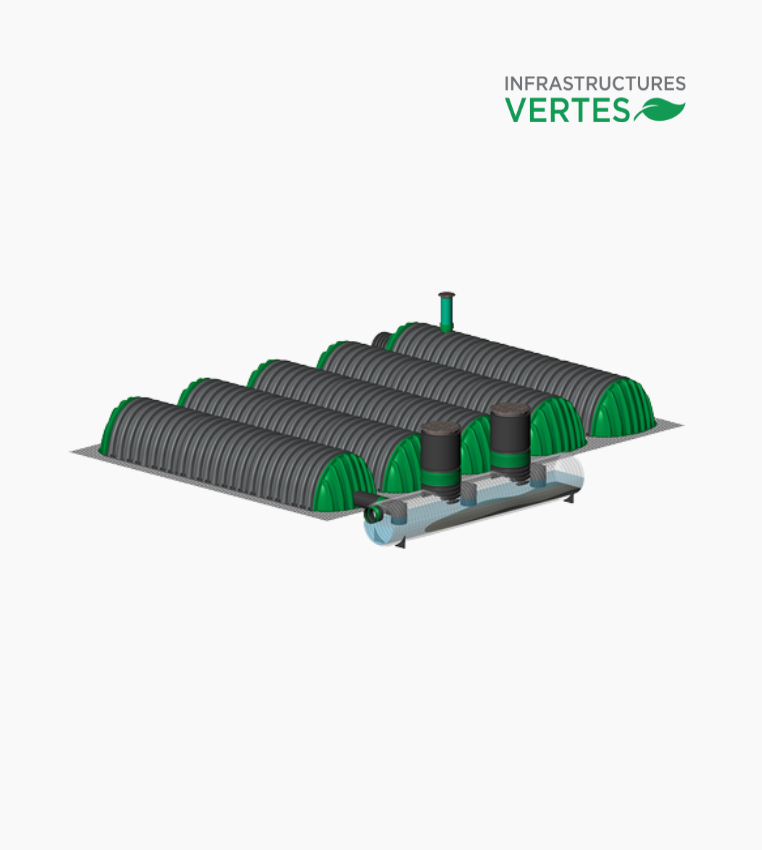
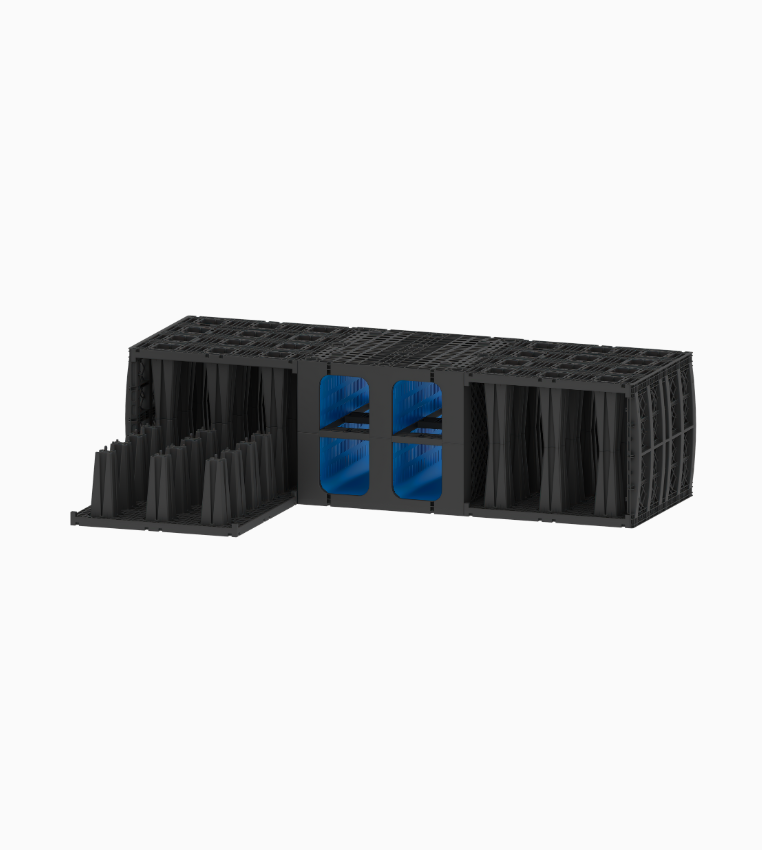
COMPARE 3 TECHNOLOGIES

IMPORT YOUR PLANS

SAVE AND COLLABORATE
Size and compare system configurations based on your project parameters.
HOW IT WORKS
From your initial project data to your design files, explore what Sol’O Design can do.
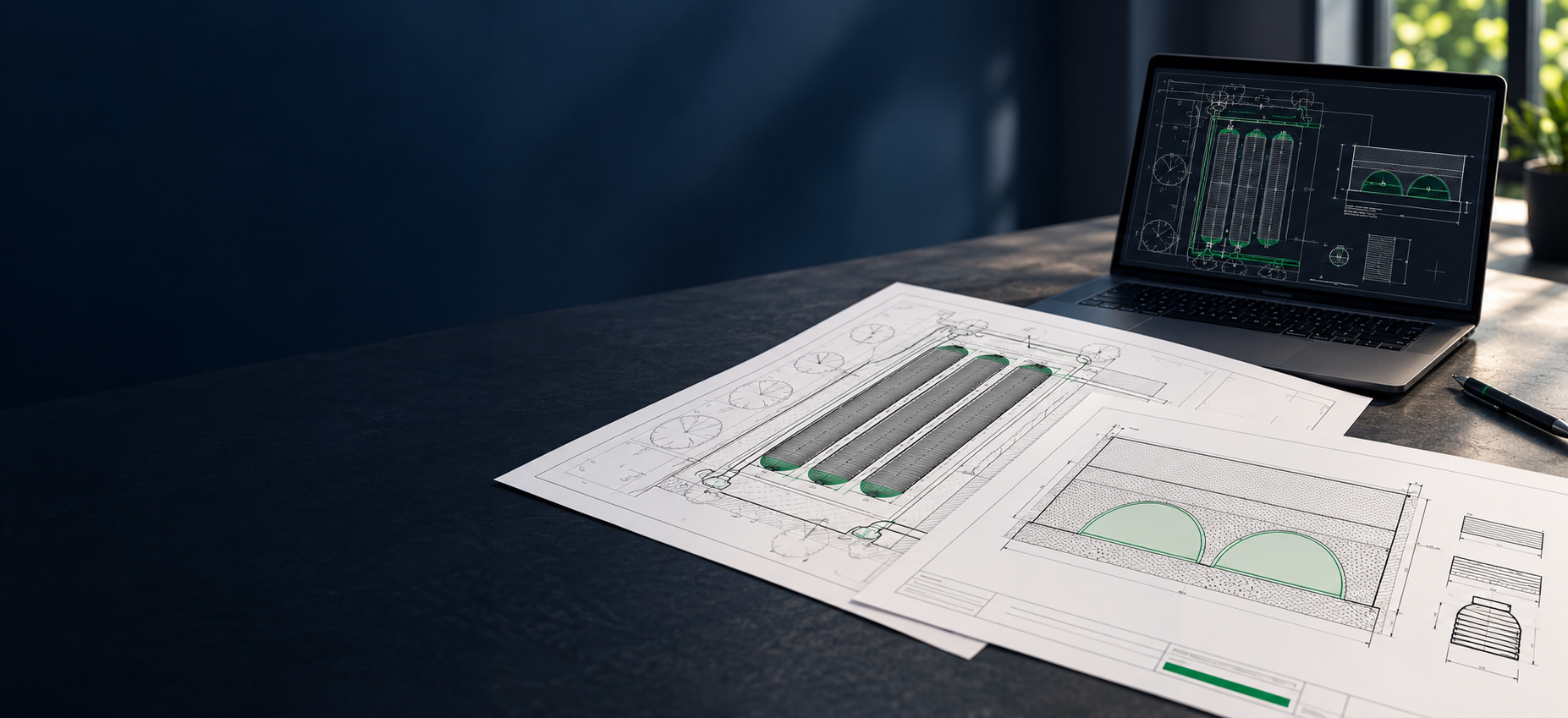
Get PDF and DWG files of your configuration from Sol’O Design. Revisit your configurations and continue working in your design software.


Join our experts for a lunch and learn to discover how Sol’O Design 2.0 can simplify the design of your stormwater detention and infiltration basins. Explore the available technologies, learn how to optimize your configurations, and discuss your project needs.
Complete the form to arrange a session with our team.
Can’t find the answer to your question? Email us at servicetechnique@soleno.com or connect with your local expert through our Find an expert page.
Yes. You can start designing directly in Sol’O Design 2.0. A free account is required to save your project or export your files.
Enter the available length, width and depth, along with the required storage volume. These parameters provide the starting point for configuring your system.
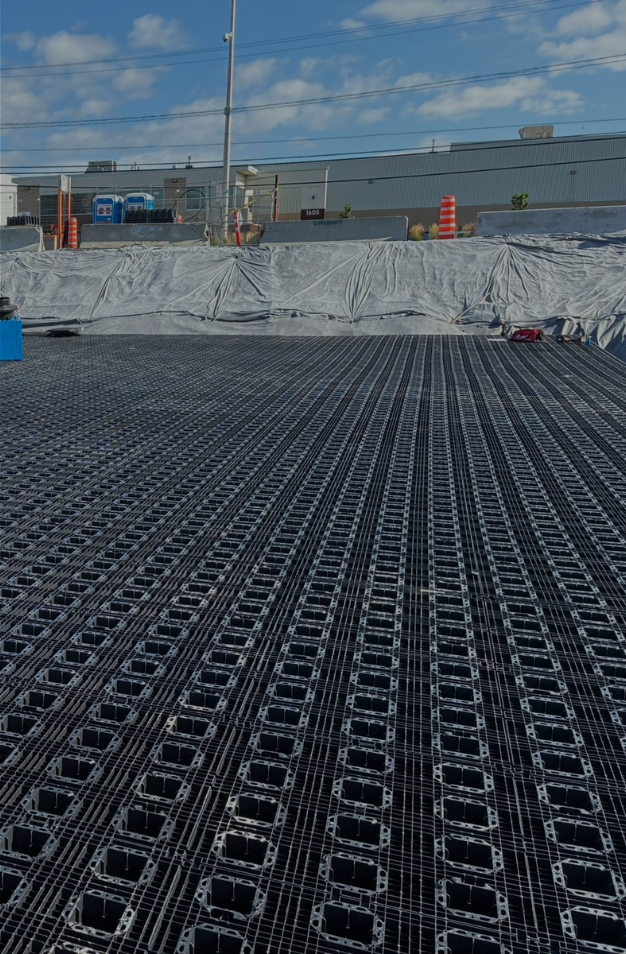
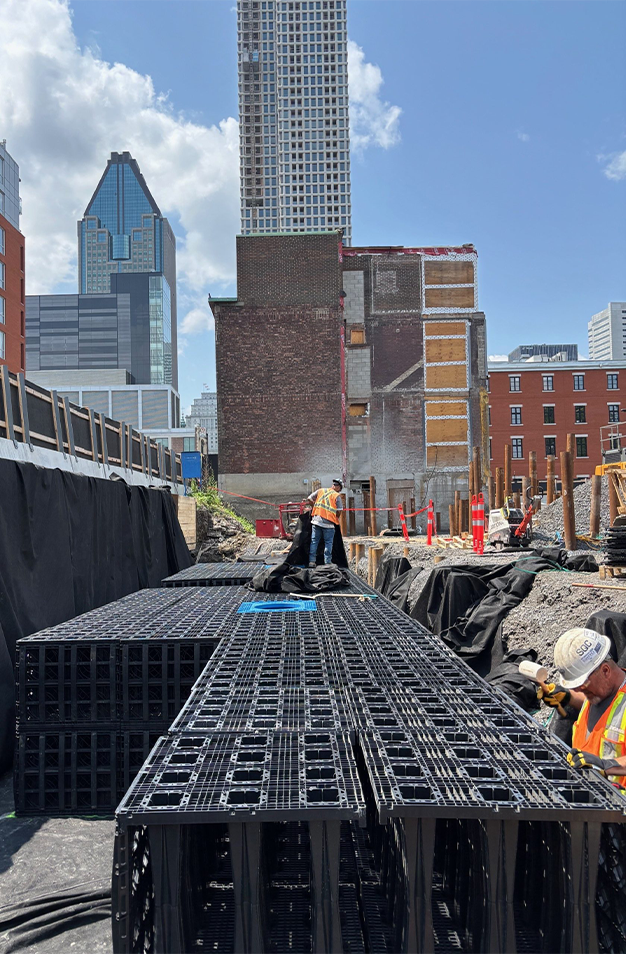
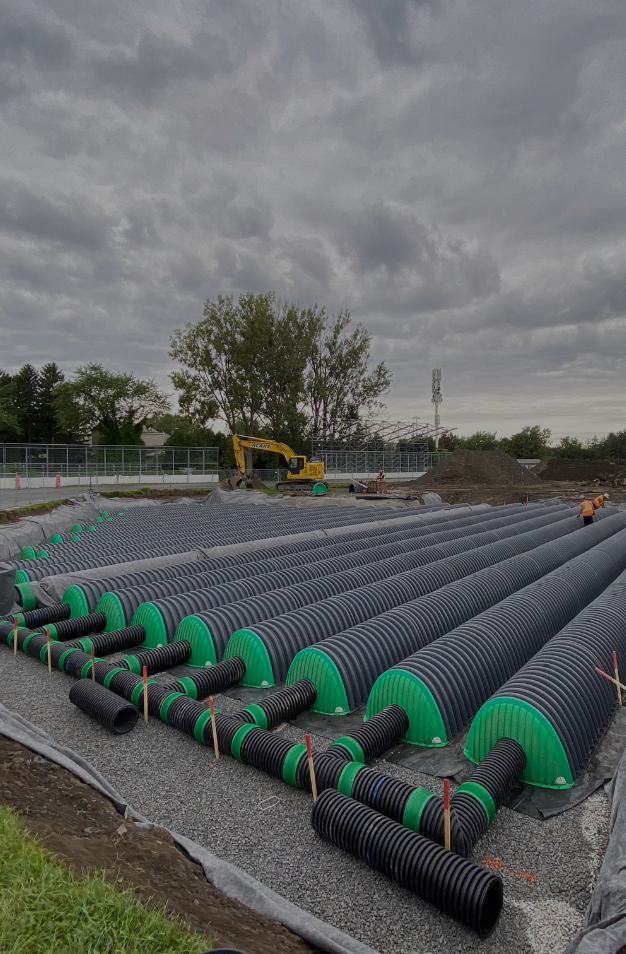
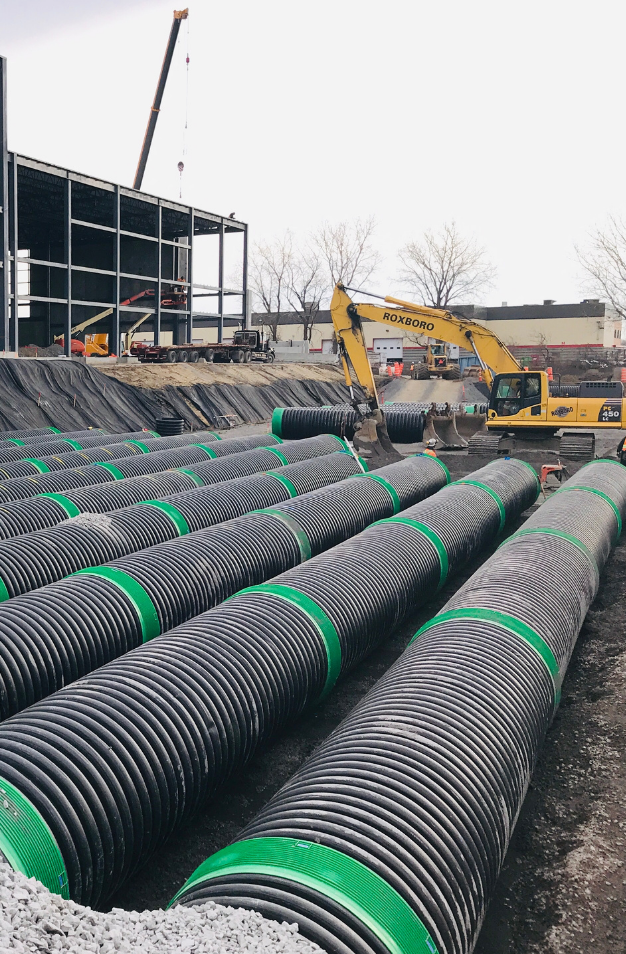
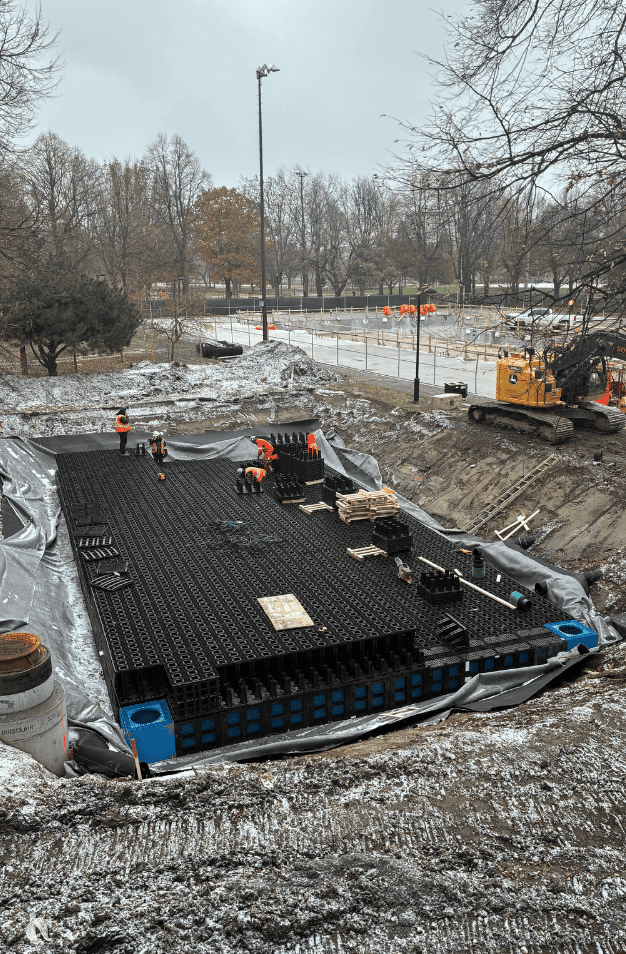
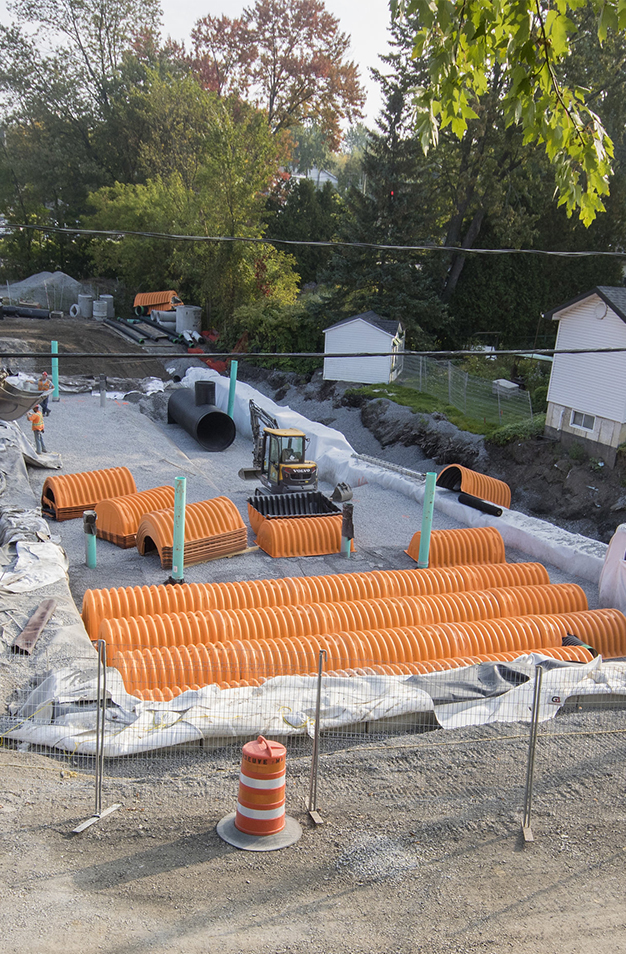
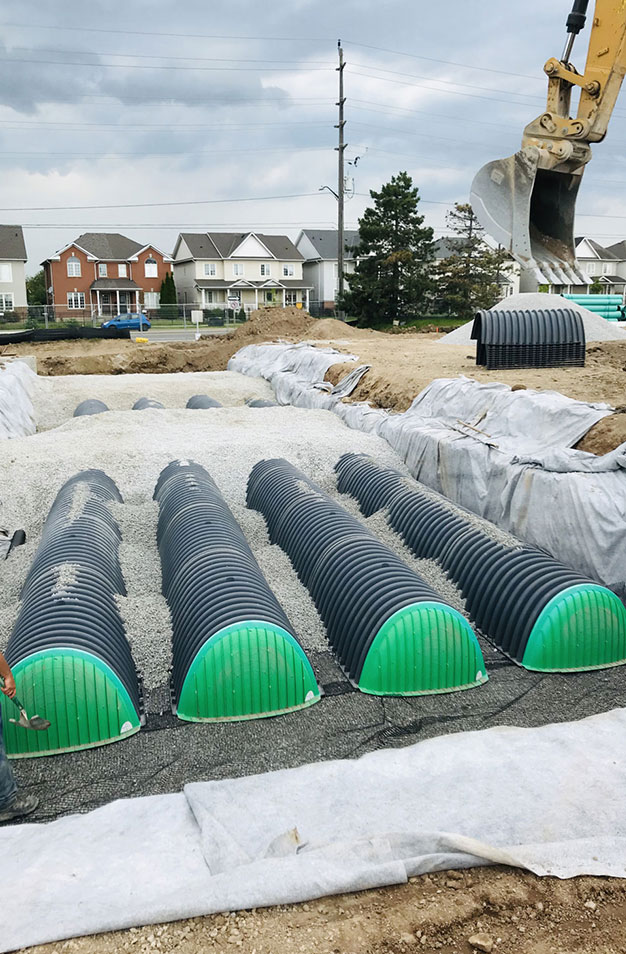
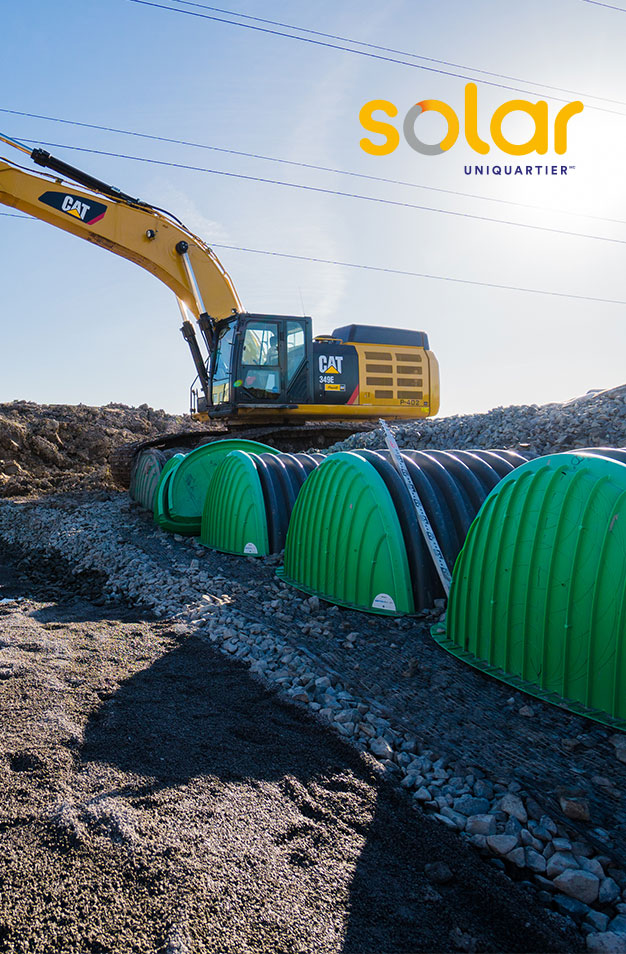
Sol’O Design 2.0 covers three detention technologies: SOLFLO MAX and/or KUSTOMFLO pipe systems, HYDROSTOR and/or StormChamber detention and infiltration chambers, and RAUSIKKO geocellular systems. Compare configurations to help guide your selection.
Yes. You can import your plans and maps, then adjust the system layout to suit your project’s specific requirements.
Yes. There is no storage volume limit for configurations in Sol’O Design 2.0.
Yes. The tool lets you save, manage and share your designs. Sign in to your free account to save your work and pick up where you left off.
You can export your design in PDF and DWG formats. Exporting is available once you sign in to your free account.
The demonstration video walks you through the main steps of creating a design. For questions about your project, you can also contact the Soleno team.
 Hydrostor_HS31_System_with_Pretreatment_Unit.PDF Hydrostor_HS31_System_with_Settling_Row.PDF Hydrostor_HS75_System_with_Pretreatment_Unit.PDF Hydrostor_HS75_System_with_Settling_Row.PDF Hydrostor_HS180_System_With_Pretreatment_Unit.PDF Hydrostor_HS180_System_with_Settling_Row.PDF Hydrostor_HS290_System_with_Pretreatment_Unit.PDF Hydrostor_HS290_System_with_Settling_Row.PDF
 Hydrostor_HS31_System_With_Pretreatment_Unit.DWG Hydrostor_HS31_System_with_Settling_Row.DWG Hydrostor_HS75_System_with_Pretreatment_Unit.DWG Hydrostor_HS75_System_with_Settling_Row.DWG Hydrostor_HS180_System_With_Pretreatment_Unit.DWG Hydrostor_HS180_System_with_Settling_Row.DWG Hydrostor_HS290_System_with_Pretreatment_Unit.DWG Hydrostor_HS290_System_with_Settling_Row.DWG